

 Chrome Remote Desktop download for free


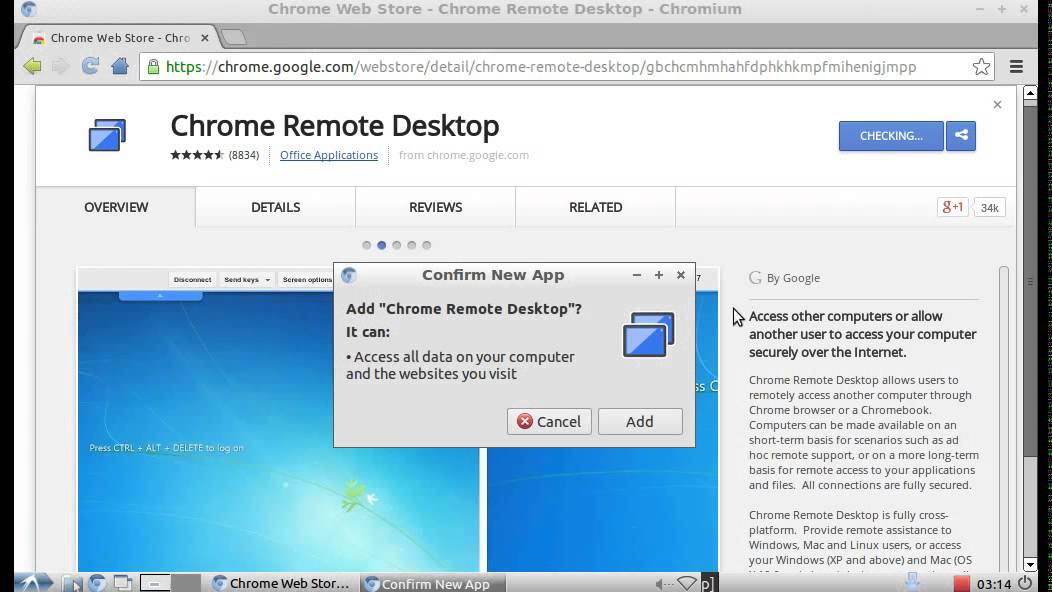
 A major competitor to Windows Remote Desktop, Chrome Remote Desktop protocol is a must have for working remotely
A review by Michael
A software tool developed by Google, Chrome Remote Desktop provides an easy way to control another computer from any other mobile or desktop device.
Pros
- Ease of use
- Support for mobile devices
- Available for Windows, Linux, Chrome OS
- Secure connection
Cons
- No option to disable audio transmission
- Works only with Chromium-based browser
If you are looking for a convenient way to connect remotely with a home or work computer or share the screen with others, Chrome Remote Desktop is a great option. It is a free, powerful tool that uses the latest technologies to connect you to your devices remotely to run programs or access files from anywhere, at any time.
It is built on Google’s secure infrastructure, so you can connect your devices or share the screen without any security concern. Simple design means you get easy access to your files and computers from a desktop or mobile when you need them. The freeware offers a secure method to let users grant admittance into their computers to receive remote support.
Using the tool is extremely easy. You get the option to choose a name for the computer and a six-digit access code to get remote access to another machine. There are several options to modify the appearance of the screen as well. You can also control the mouse and keyboard gestures and even upload and download files between the two devices.
Final Verdict
Chrome Remote Desktop is a useful tool for signing into your personal or work computer from remote locations and even helps to peek into other’s systems to provide assistance without visiting physically.
While there are several software options that facilitate remote connections, Chrome Remote Desktop is a highly secure and safe method to share the screen and get remote access to other systems. It is an excellent way to control the screen of a remote desktop from another phone, tablet, or computer to access files, download and edit content.
| Authors |
| License |
| Free |
| User rating |
| [rating_form id=”4″] |
| Platforms |
| Windows 7, Windows 8, Windows 10 |
Leave a Reply